Know what every client is costing you.
Ember Loop keeps clients, tasks, meetings and time in one workspace, so retainer burn and margin are visible while there is still time to act.
Available by invitation. Built and operated in the UK by NxGen AI Ltd.
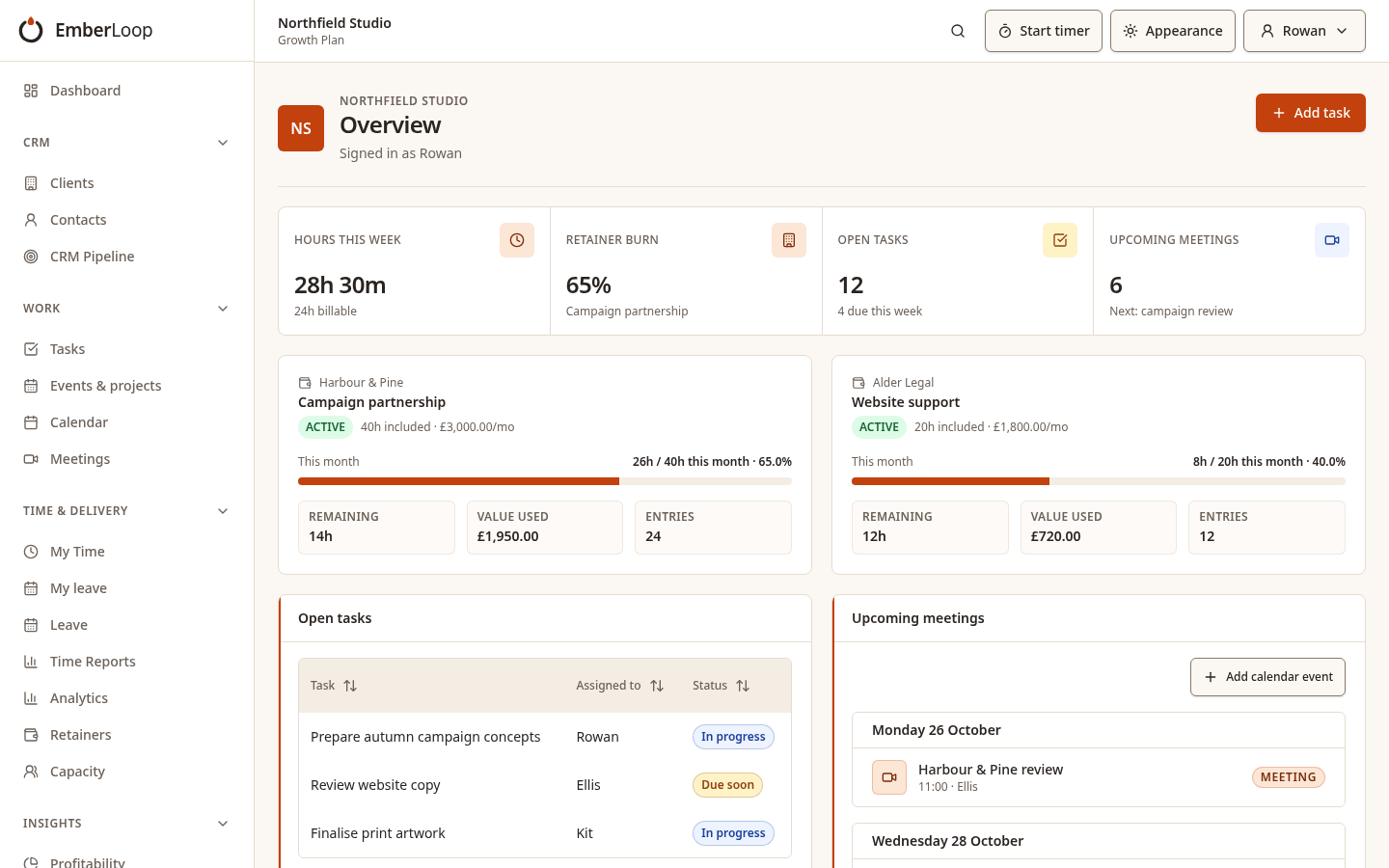
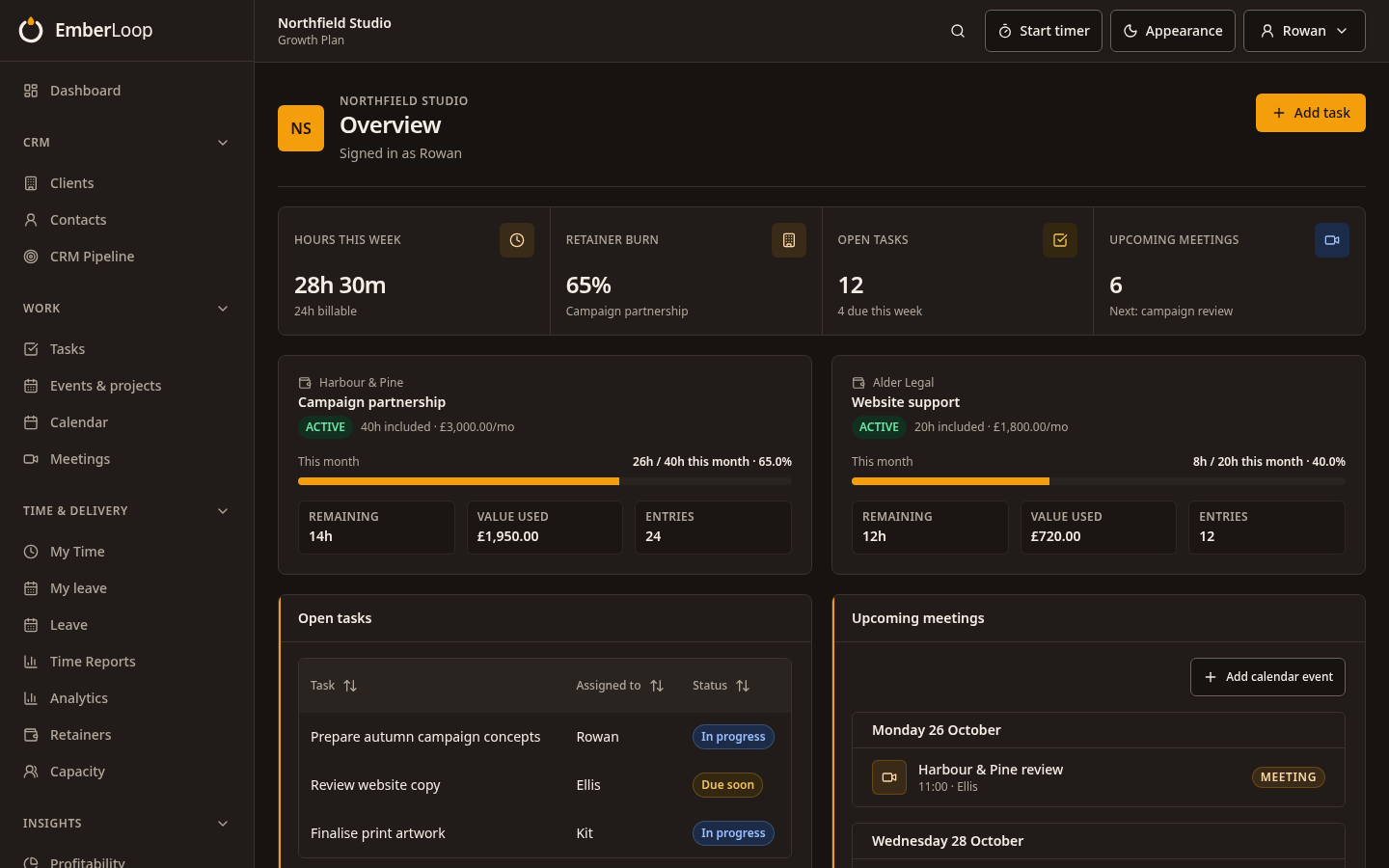
Every client in one place
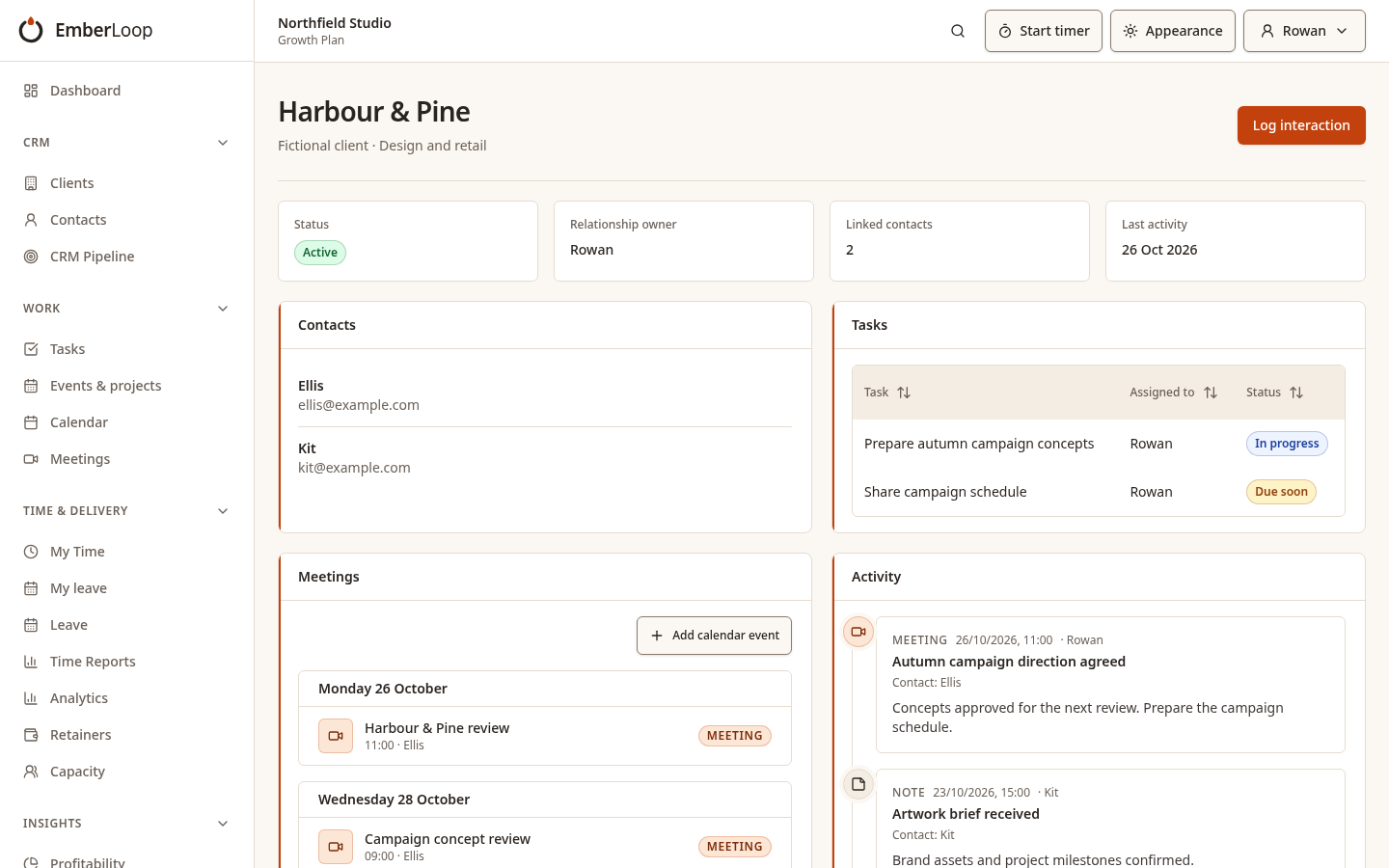
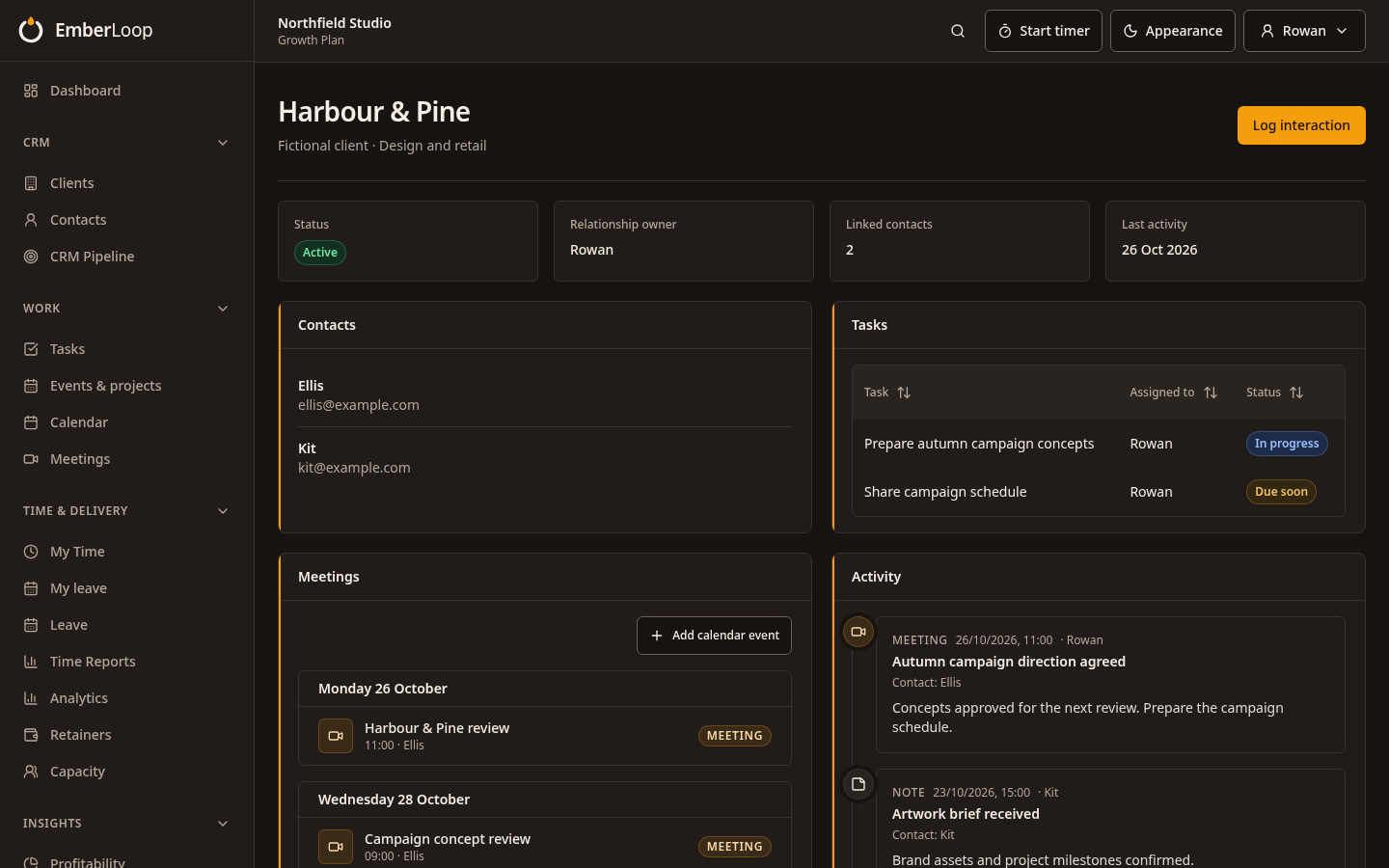
Contacts, tasks, meetings and activity sit on the client record, so anyone picking up the account sees the full picture.
- Contacts and their history
- Tasks and meetings attached to the client
- A running activity timeline
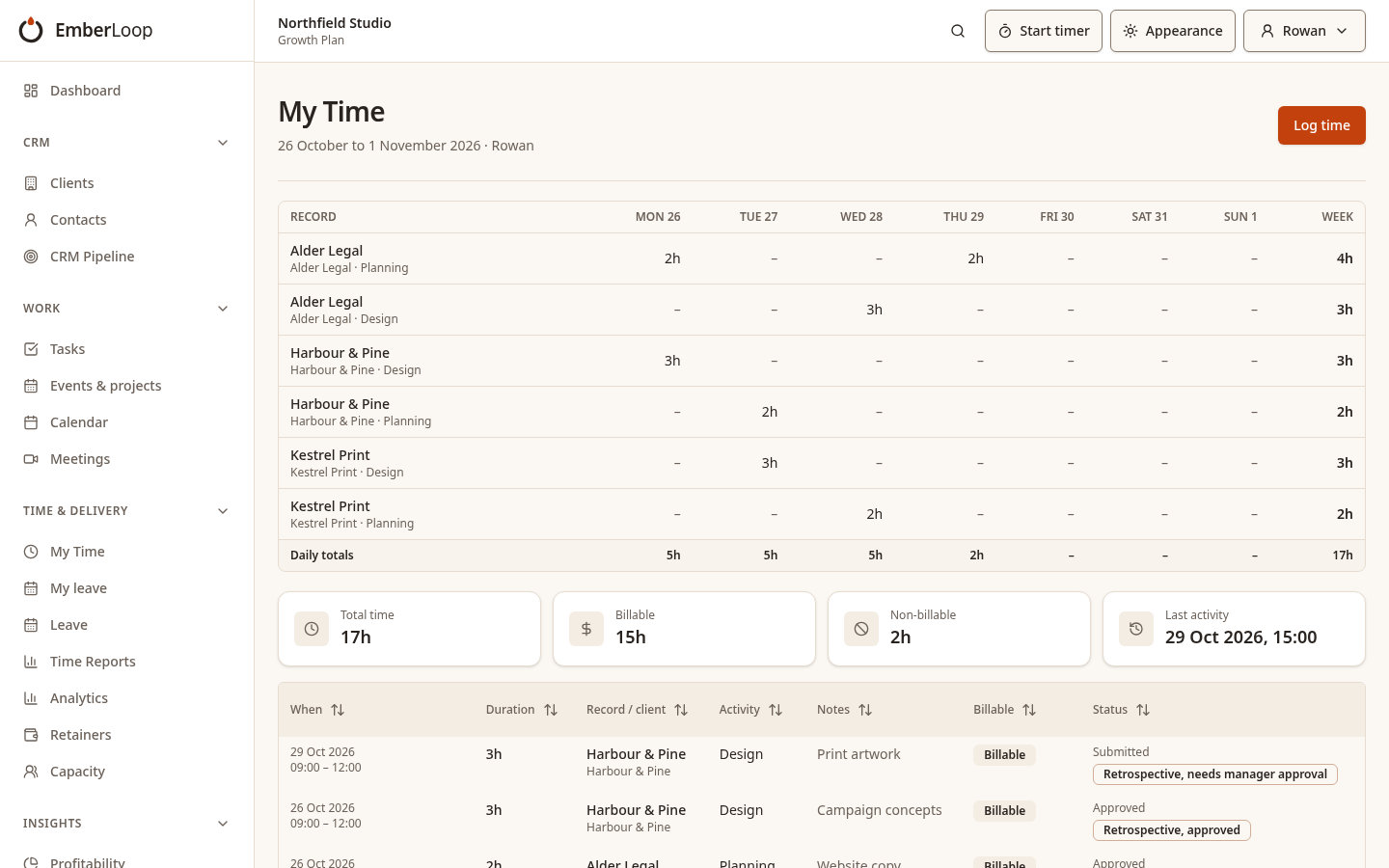
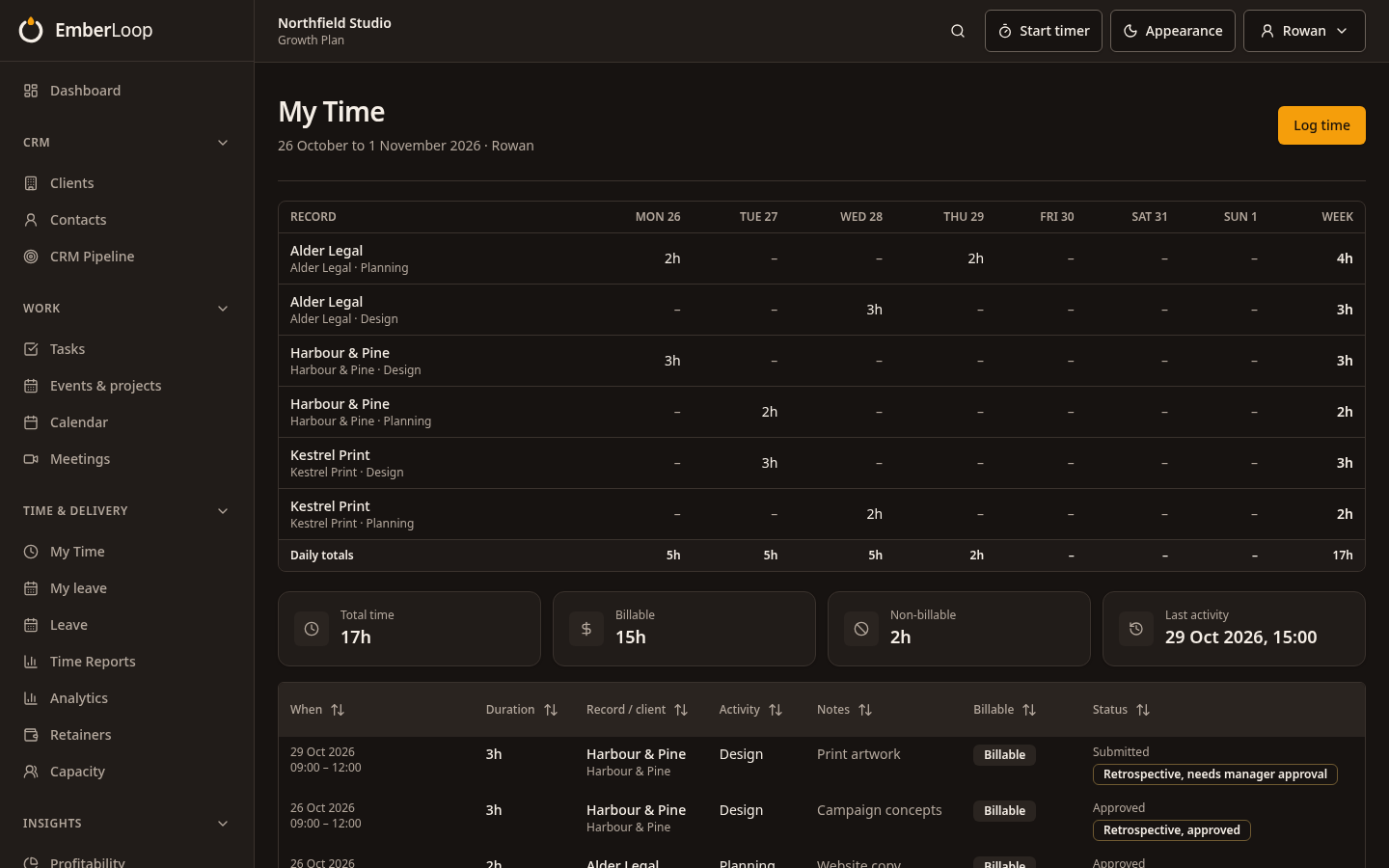
Time your managers can approve with confidence
Your team logs time against clients and tasks. Managers approve it, and late entries are reviewed separately so approved totals stay clean.
- Weekly timesheets
- Approval by managers
- Retrospective entries held out of approved totals until decided
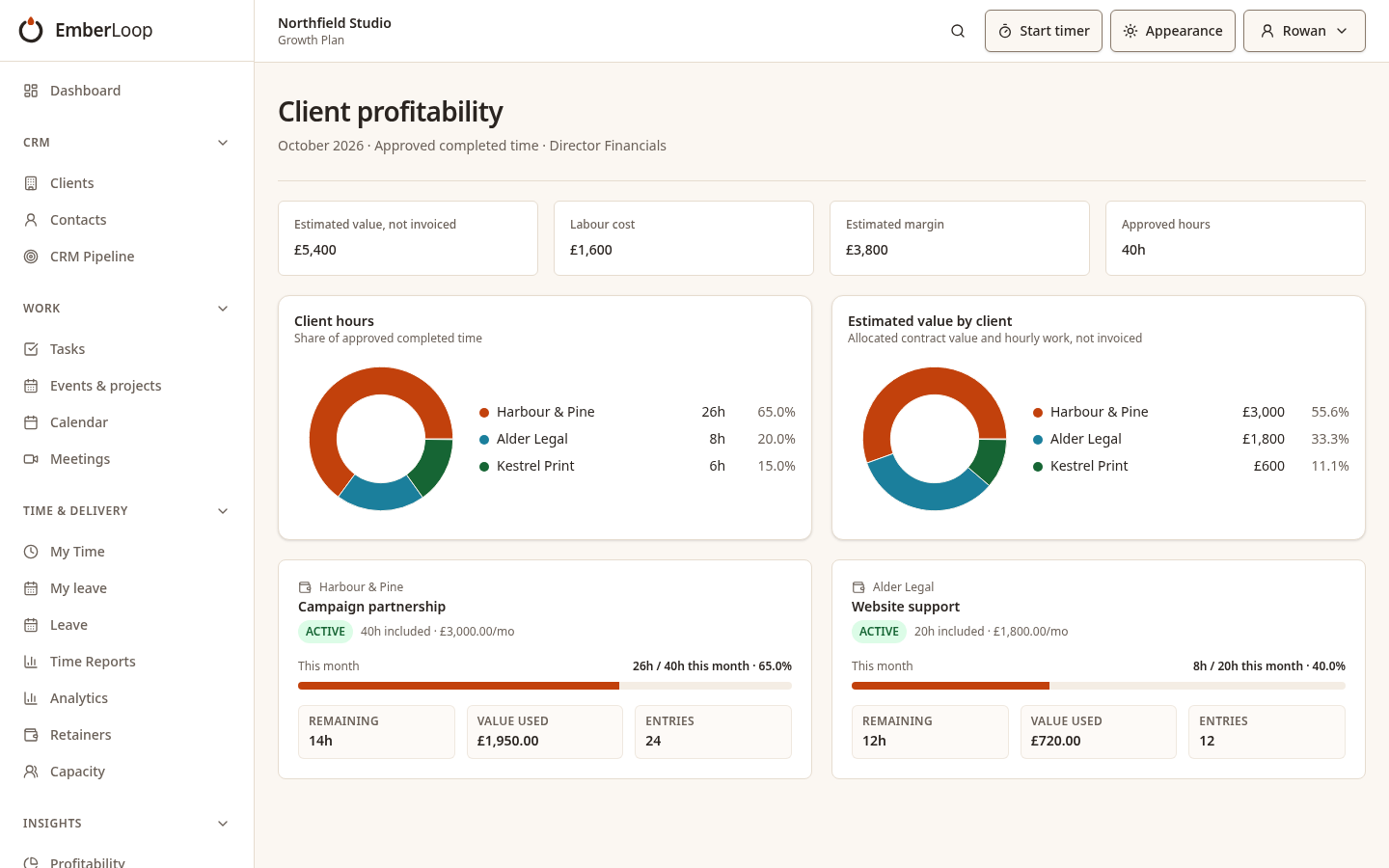
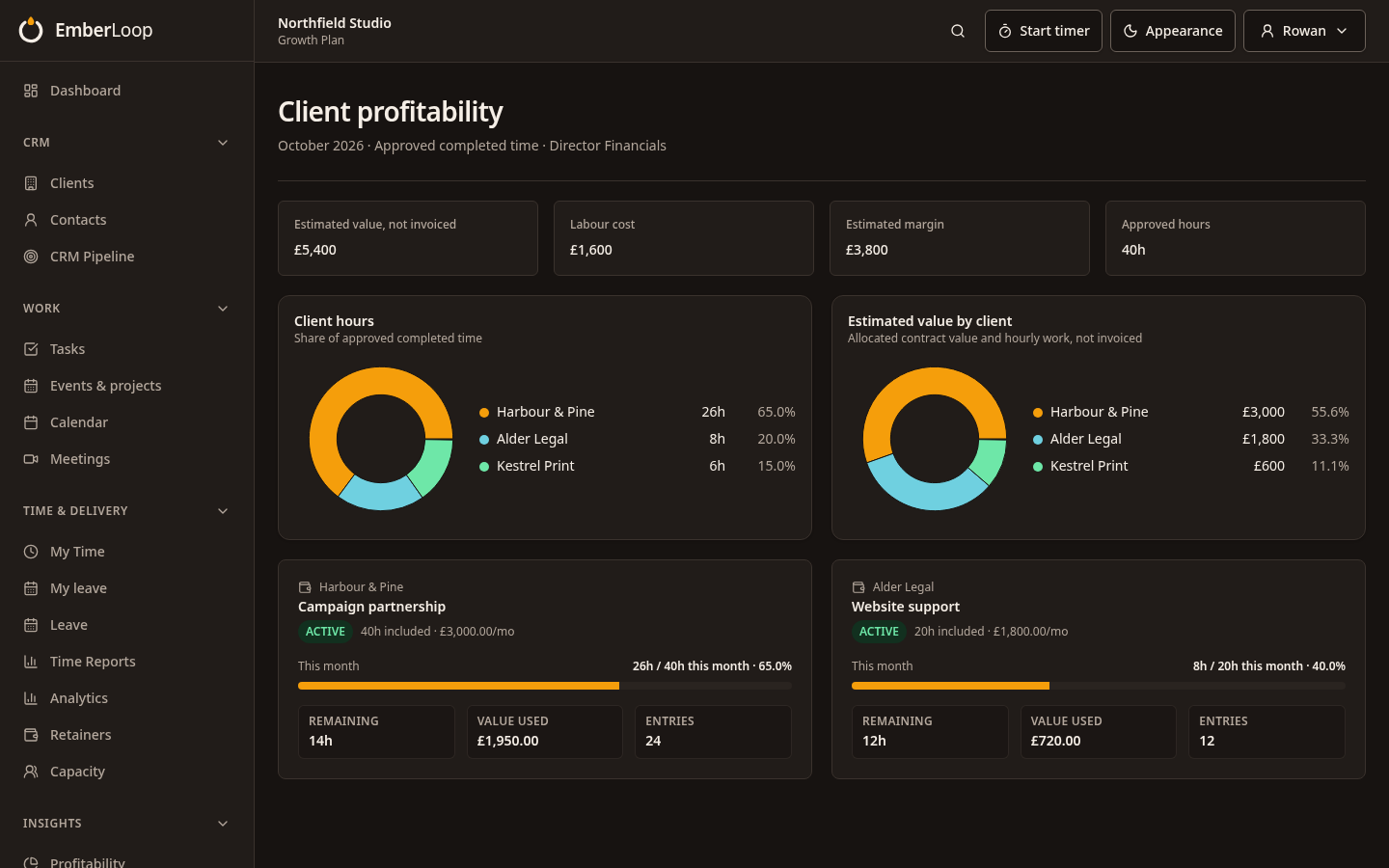
Retainer burn and margin as the month goes
Directors see approved hours, estimated value, labour cost and estimated margin by client. These are estimates from tracked time, not invoicing.
- Retainer hours used against hours agreed
- Client profitability estimates
- Visible only to the people you choose
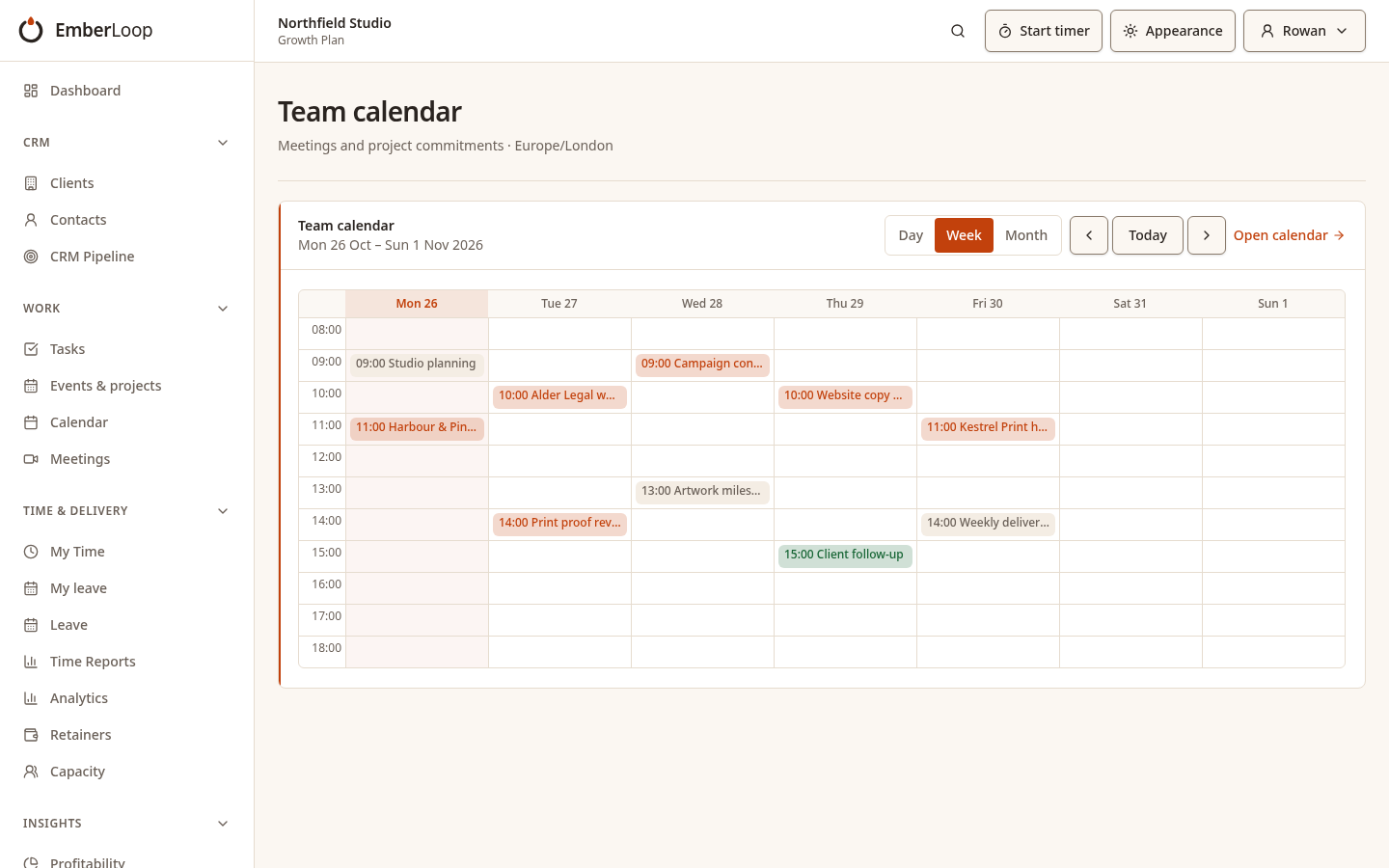
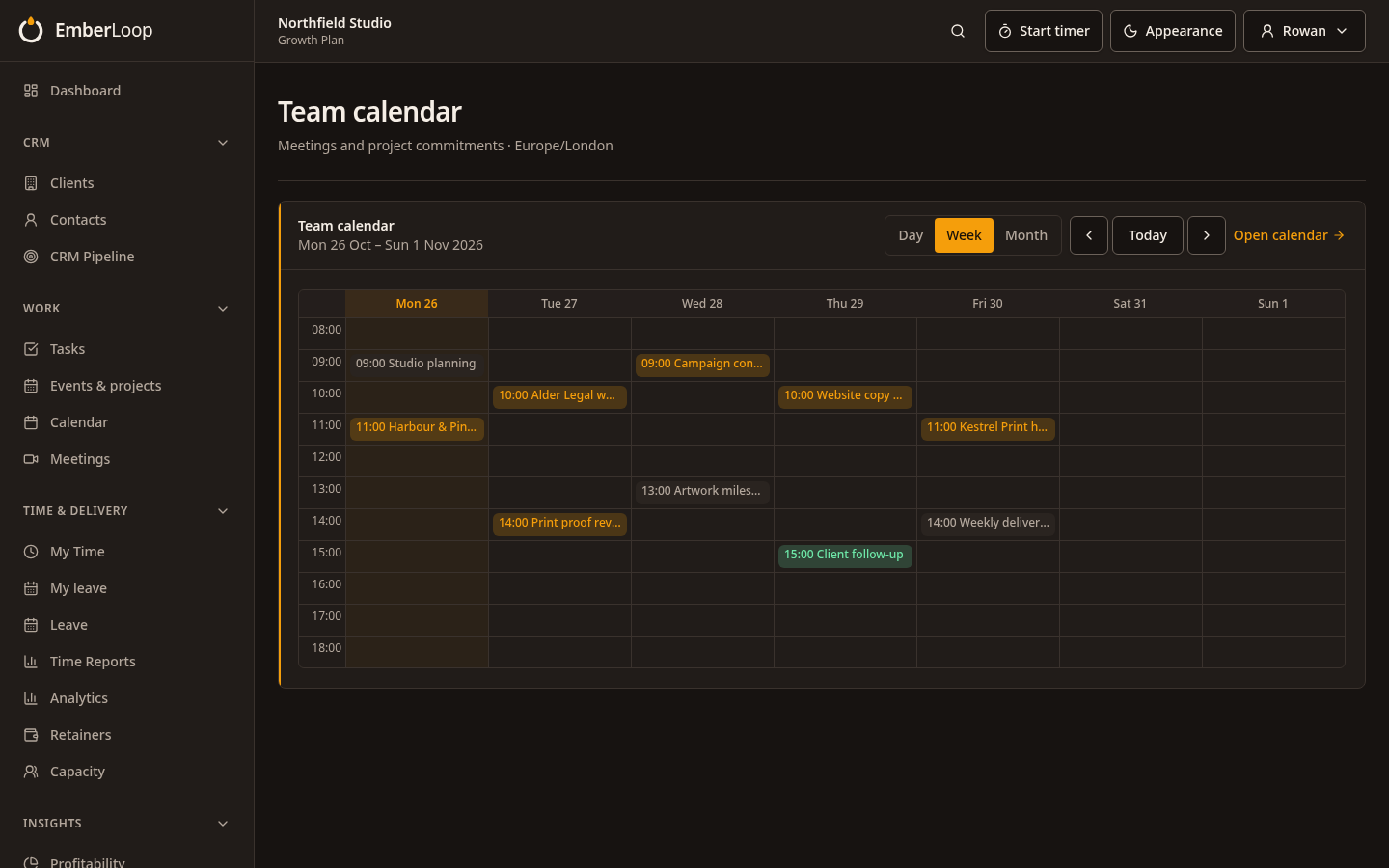
One calendar for the team's week
Meetings, events and deadlines in a single view, linked back to the client they belong to.
- Team meetings and events
- Linked to clients and tasks
- Upcoming items on each person's dashboard
The right access for each person
Roles run from owner to viewer, and feature access can be adjusted for each person. Financial views stay with the people you choose.
| Role | What they can do |
|---|---|
| Owner | Full control of the workspace, its members and its settings. |
| Admin | Manages people, clients and day-to-day setup. |
| Manager | Oversees work and approves time for their team. |
| Staff | Does the work: tasks, meetings and time entries. |
| Viewer | Read-only access to the areas they are given. |
Built for client data
- Separate workspaces
- Each organisation's data is kept apart and checked on the server on every request.
- Invitation only
- Nobody joins a workspace unless an administrator invites them.
- Single sign-on
- Connect your organisation's identity provider where it is required.
- Approvals and history
- Time entries carry an approval trail and change history.
Ember Loop is available by invitation.
Ask us about a workspace for your organisation.